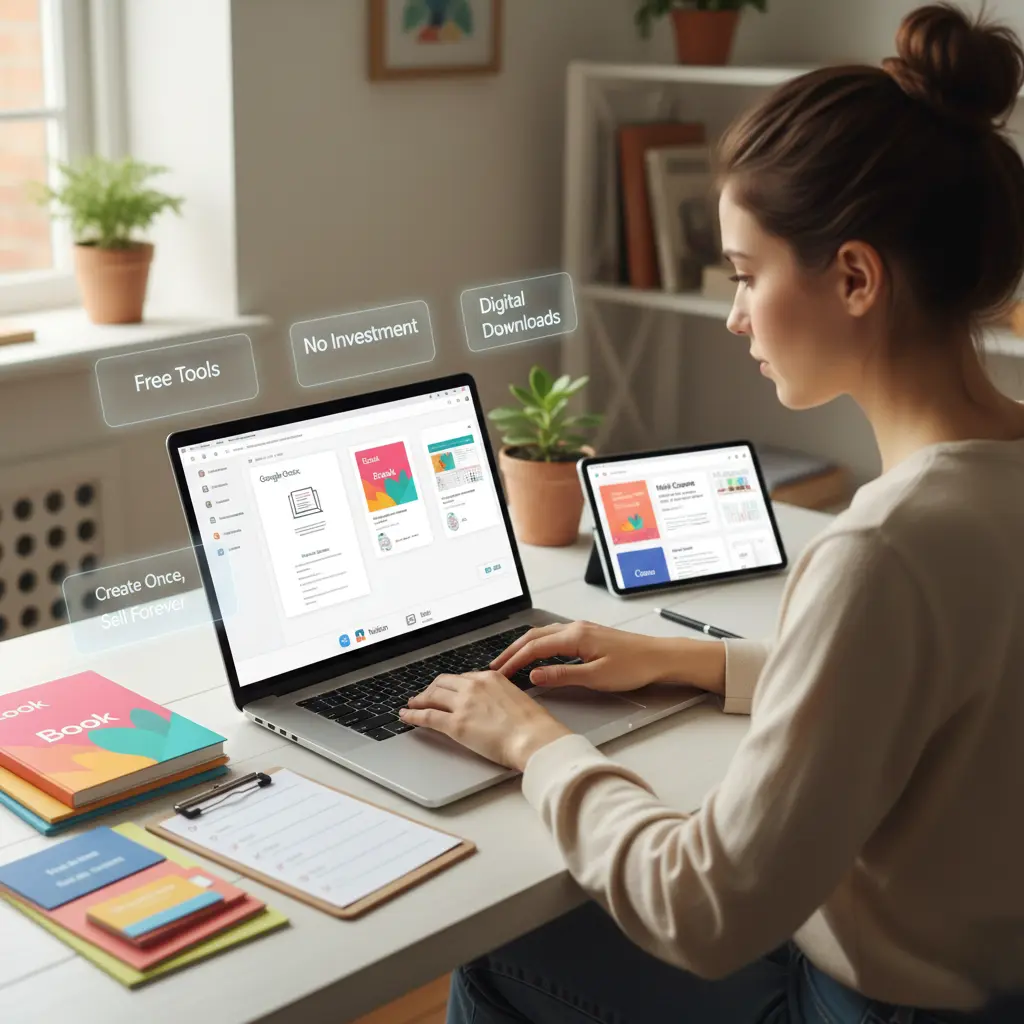
Creating digital products for free is one of the smartest ways to start an online business with zero investment. With the right skills, tools, and strategy, anyone can build profitable digital products without spending money upfront. This guide explains how to create digital products step by step using free resources while setting yourself up for long-term success.
What Are Digital Products
Digital products are downloadable or online-access items that do not require physical inventory. Once created, they can be sold repeatedly with little to no ongoing cost.
Popular Types of Digital Products
Some of the most common digital products include:
- eBooks and guides
- Online courses and workshops
- Templates and planners
- Checklists and workbooks
- Digital art and design assets
- Stock photos and videos
These products are ideal for creators, freelancers, educators, and entrepreneurs.
Why Create Digital Products for Free
Creating digital products without spending money lowers risk and increases profit margins. You can validate your idea, build an audience, and generate income before investing in paid tools.
Zero Startup Cost Advantage
Free tools allow you to focus on value creation instead of expenses. This is perfect for beginners and side hustlers.
Scalable Income Potential
Once created, digital products can be sold unlimited times without additional production costs.
Step 1 Identify a Profitable Digital Product Idea
The first step in creating digital products for free is choosing the right idea.
Solve a Real Problem
The best digital products solve specific problems. Ask yourself:
- What do people struggle with?
- What questions do they ask repeatedly?
- What skills do I already have?
Validate Your Idea for Free
Use free platforms like social media, online communities, and comment sections to see what people are asking for. If a problem appears often, it is a strong product opportunity.
Step 2 Choose the Right Free Tools
You do not need expensive software to create high-quality digital products.
Free Tools for Creating Digital Products
Some popular free tools include:
- Google Docs for eBooks and guides
- Google Slides for presentations and courses
- Canva free version for templates and designs
- Notion for planners and workbooks
- Audacity for audio products
These tools are beginner-friendly and powerful enough for professional results.
Step 3 Create High-Value Content
Content quality determines whether your digital product succeeds.
Structure Your Digital Product Clearly
Break your content into clear sections or modules. A logical flow improves usability and perceived value.
Focus on Actionable Results
Avoid fluff. Provide step-by-step instructions, examples, and practical exercises that help users achieve results quickly.
Step 4 Design Your Digital Product for Free
Presentation matters even for free-created products.
Simple Design Best Practices
Use clean layouts, readable fonts, and consistent colors. Canva’s free templates can help you create professional-looking designs without design skills.
Add Branding Elements
Include your logo, brand colors, or name to make your digital product look polished and trustworthy.
Step 5 Package and Export Your Product
Once content and design are ready, export your product in a user-friendly format.
Best Formats for Digital Products
Common formats include:
- PDF for eBooks, planners, and templates
- MP4 for video lessons
- MP3 for audio content
PDF is the most popular and easiest format for beginners.
Step 6 Host and Deliver Your Digital Product for Free
You can deliver digital products without paying for hosting.
Free Hosting Options
Some free delivery methods include:
- Google Drive download links
- Dropbox basic
- Notion shared pages
- Gumroad free plan
Make sure access is easy and instructions are clear.
Step 7 Set Up Free Sales and Distribution Channels
You do not need a paid website to sell digital products.
Where to Sell Digital Products for Free
You can sell or distribute your product through:
- Social media platforms
- Email newsletters
- Online communities
- Marketplaces with free plans
Direct messaging and bio links work well in the beginning.
Step 8 Market Your Digital Product Without Spending Money
Marketing is key to success, even when your product is free to create.
Use Content Marketing
Share tips, tutorials, and previews related to your product on social media. This builds trust and positions you as an expert.
Leverage Email Marketing
Offer a free version or sample to collect emails. Email remains one of the most effective ways to sell digital products.
Step 9 Improve and Scale Over Time
Start simple and improve based on feedback.
Collect User Feedback
Ask buyers or users what they liked and what could be improved. Use this feedback to update your product.
Turn Free Tools Into Paid Systems Later
Once you start earning, you can upgrade tools, improve design, and expand your product line.
Common Mistakes to Avoid
Avoid creating overly broad products, skipping validation, or waiting for perfection. Launch fast, learn, and improve.
Final Thoughts on Creating Digital Products for Free
Learning how to create digital products for free gives you freedom, flexibility, and unlimited income potential. With free tools, clear problem-solving content, and consistent marketing, anyone can launch a profitable digital product without upfront investment.
The most important step is to start. Create your first digital product today, refine it tomorrow, and scale it over time.