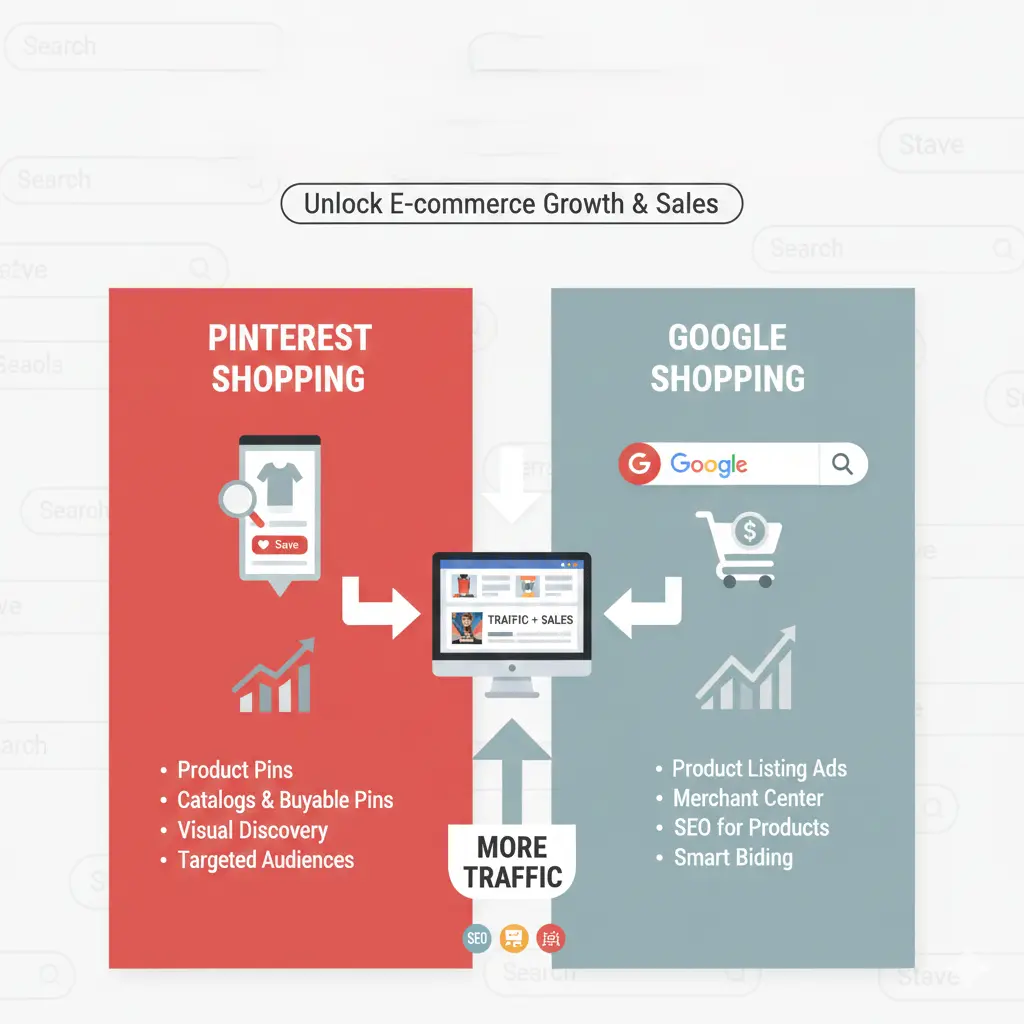
Driving consistent, high-intent traffic is one of the biggest challenges for e-commerce brands. While social media and search ads are common choices, Pinterest and Google Shopping stand out as two powerful, purchase-driven platforms. When used together, they can significantly boost visibility, traffic, and conversions.
Why Pinterest & Google Shopping Work Well for E-commerce
Both platforms are intent-based rather than interruption-based. Users come to Pinterest to discover ideas and plan purchases, while Google Shopping captures users who are already searching for specific products. Combining the two creates a full-funnel strategy—from discovery to purchase.
Using Pinterest to Drive E-commerce Traffic
Pinterest functions like a visual search engine. Optimized pins can generate traffic for months or even years after publishing.
1. Set Up Pinterest Business & Product Catalog
Start by creating a Pinterest Business account and uploading your product catalog. This allows you to create Product Pins, which display real-time pricing, availability, and direct product links.
2. Optimize Pins for Pinterest SEO
Pinterest relies heavily on keywords. Use relevant search terms in:
Pin titles
Pin descriptions
Board names
Image file names
Focus on long-tail keywords that match user intent, such as “minimalist home decor ideas” or “summer outfits for women.”
3. Create High-Converting Visuals
Vertical images (2:3 ratio) perform best. Use clear product imagery, readable text overlays, and lifestyle photos that show the product in use. The goal is inspiration first, selling second.
4. Leverage Idea Pins & Video Pins
Idea Pins and video content increase engagement and brand visibility. While they may not always link directly, they build authority and increase saves, which boosts overall reach.
Using Google Shopping to Capture Buyer Intent
Google Shopping targets users who are ready to buy. It displays products directly in search results, making it ideal for conversion-focused traffic.
1. Set Up Google Merchant Center
Upload your product feed to Google Merchant Center with accurate titles, descriptions, pricing, and images. Ensure your feed follows Google’s policies to avoid disapproval.
2. Optimize Product Titles & Descriptions
Your product title should include:
Brand name
Key product feature
Product type
Relevant keywords
This helps Google understand and match your product to relevant searches.
3. Run Smart Shopping or Performance Max Campaigns
Google’s automated campaigns use machine learning to optimize bids, placements, and targeting. These campaigns work especially well for e-commerce stores with conversion tracking in place.
4. Focus on Product Images & Reviews
High-quality images and positive reviews improve click-through rates. Google Shopping favors listings that offer a strong user experience and trust signals.
How to Combine Pinterest & Google Shopping Strategically
Using both platforms together creates a seamless customer journey.
Pinterest builds awareness and demand by showcasing products visually and inspiring users early in the buying process. Google Shopping then captures those users when they’re ready to purchase.
Cross-Platform Strategy Tips
Use Pinterest analytics to identify top-performing products
Promote those products via Google Shopping campaigns
Retarget Pinterest visitors using Google Ads
Align messaging and visuals across both platforms
Measuring Performance & Optimization
Track metrics such as:
Click-through rate
Conversion rate
Cost per acquisition
Return on ad spend
Regularly optimize pins, product feeds, and campaigns based on performance data to maximize results.
Final Thoughts
Pinterest and Google Shopping are not competitors—they’re complementary tools. Pinterest drives discovery and long-term traffic, while Google Shopping captures high-intent buyers ready to convert. When used together, they create a powerful e-commerce growth engine that delivers consistent traffic and sales.
Leave a Reply