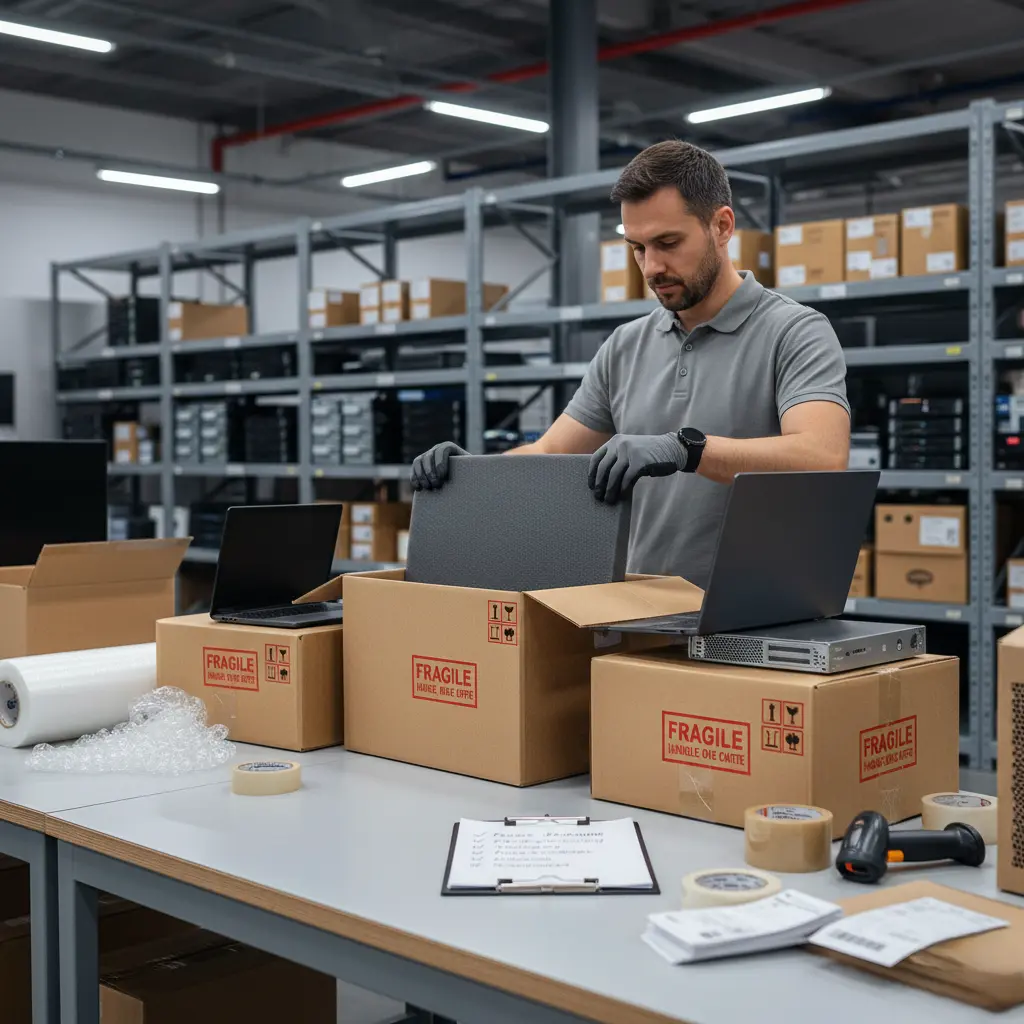
Shipping IT equipment requires careful planning, proper packaging, and the right logistics strategy to ensure your devices arrive safely and on time. From servers and laptops to networking hardware and data storage devices, these items are often fragile, high-value, and sensitive to damage. Whether you’re moving office tech, sending devices to remote employees, or delivering equipment to clients, following best practices is essential. Here are 5 top tips for shipping IT equipment safely and efficiently.
1. Use High-Quality Protective Packaging
The most important step in shipping IT equipment is using strong, protective packaging. Devices like computers, routers, and monitors are easily damaged by impact, moisture, or static electricity.
How to Package IT Equipment Properly
Use anti-static bags for components such as motherboards, hard drives, and memory modules. Wrap items with bubble wrap, secure them in foam inserts, and choose double-wall shipping boxes for maximum protection. Fill empty spaces with cushioning to prevent movement during transit. High-quality packaging significantly reduces the risk of breakage.
2. Secure Cables, Accessories, and Components
Loose cables and accessories can cause internal damage if they move around inside the box. They can also get lost if not stored correctly.
Best Way to Organize Accessories
Place cables, power adapters, keyboards, mice, and other accessories in separate sealed bags. Label each bag clearly to keep items organized. For devices with removable parts—such as batteries or toners—ship them separately when possible. Keeping everything secure ensures that delicate components stay intact and arrive ready for use.
3. Choose a Reliable Shipping Carrier
Not all shipping carriers handle fragile electronics equally. IT equipment often requires specialized handling, tracking, and insurance coverage.
What to Look for in a Carrier
Select a carrier with experience in transporting electronic equipment, and check whether they offer fragile item handling, real-time tracking, and insurance options. For high-value shipments, consider using a courier that offers white-glove delivery or secure transport services. A trustworthy carrier reduces the risk of damage, delays, or loss.
4. Add Proper Labeling and Documentation
Clear labeling helps keep your shipment safe and ensures smooth delivery. IT equipment may include sensitive materials that require specific handling.
Essential Labels and Documents
Attach labels such as Fragile, Handle With Care, and This Side Up on all sides of the box. Include a printed packing list, warranty information, and return instructions inside the package. If shipping internationally, prepare customs documents for electronic goods to avoid delays. Organized labeling and documentation make the shipping process faster and more secure.
5. Protect Data Before Shipping
When shipping devices like laptops, desktops, servers, or storage systems, data protection is critical. You should never send equipment containing sensitive information without proper precautions.
How to Secure Data Before Shipping
Back up all important files, remove personal data, and perform a secure factory reset if possible. For servers and enterprise hardware, consider encrypting drives or shipping storage devices separately. Keeping customer and business data secure protects you from data breaches and ensures compliance with privacy regulations.
Final Thoughts
Shipping IT equipment safely requires a combination of proper packaging, organized accessories, reliable carriers, accurate labeling, and strong data protection practices. By following these 5 top tips for shipping IT equipment, you can reduce the risk of damage, prevent data loss, and ensure that devices reach their destination in perfect working condition. Whether you’re sending a single laptop or moving an entire IT infrastructure, careful planning makes all the difference.
Leave a Reply